

The members area for Minecraft @ Gad Lab is now live.
This space was created to better organize the community around the server, make it easier for members to connect, and centralize useful information. It’s not just a profile directory, but a true community hub to follow the project, introduce yourself, interact, and stay informed.
What is the members area for?
The members area brings the community together in a dedicated online space, with a simple, user-friendly interface.
Once logged in, each member can, among other things:
- view their profile;
- customize their information;
- find other members;
- follow community activity;
- access discussions and server-related content more easily.
The goal is to create a clear, friendly, and practical space that complements the gameplay experience on the Minecraft server.
How do you use the members area?
You can use it directly from the site frontend.
After logging in, you can generally:
1. Access your profile
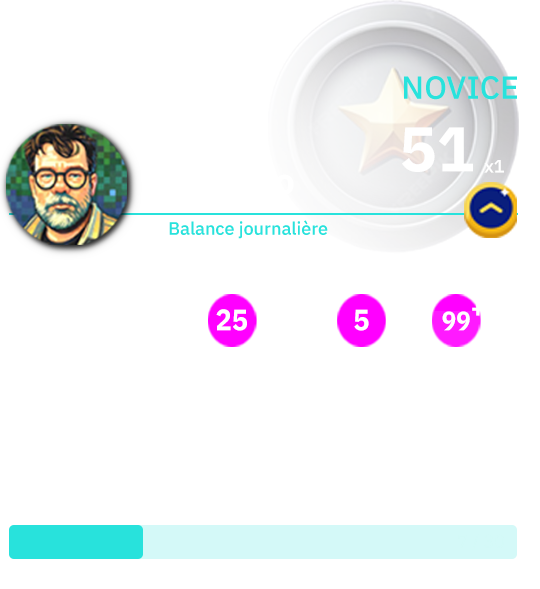
Your profile is your personal space. You can display your name, your photo or avatar, as well as some information that’s useful for the community.
2. Complete your information
It’s recommended to complete your profile so other members can identify you more easily. This helps make the community more lively and enjoyable.
3. Browse members
The members area lets you see who’s part of the community. It’s a great way to discover profiles, spot newcomers, and get to know other players better.
4. Follow activity
Depending on which features are enabled, you can see certain posts, updates, or recent interactions in the community.
5. Navigate easily from the site
The idea is that everything happens on the site, in an accessible interface, without having to go through a technical admin area.
A space that will keep evolving
This launch marks a first step. The members area can gradually evolve with new features, based on the community’s needs and the project’s development.
The goal remains the same: to offer a simple, useful, and welcoming digital environment, in support of gameplay, collaboration, and discussion.
Welcome to the community
If you already have an account, you can start exploring your member space right now.
And if you’re joining the adventure, this area will become your go-to access point to follow the life of the Minecraft @ Gad Lab community.